

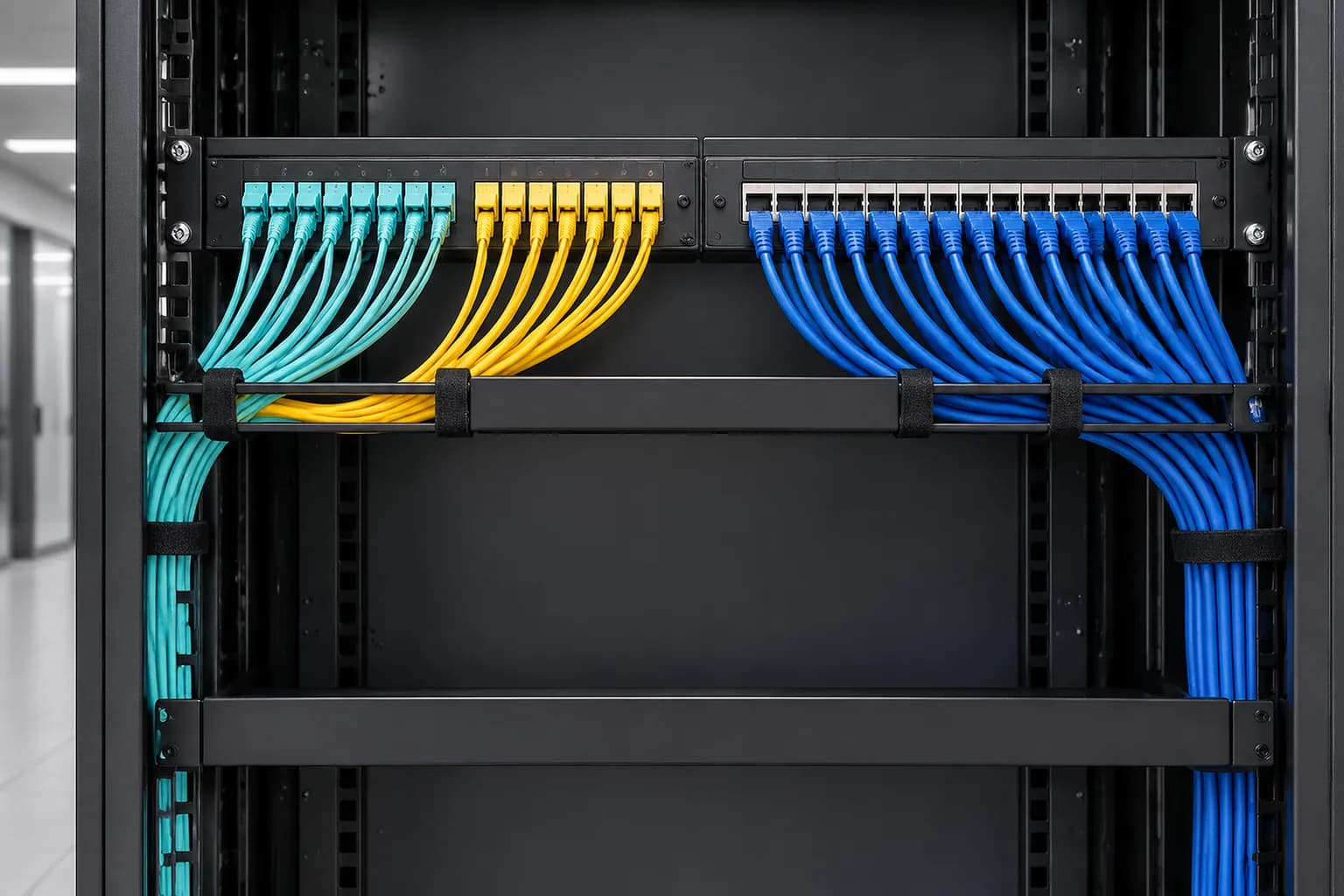
Use fibre for backbones between floors and between buildings, and copper for the final run of up to 90 m to desks, access points and cameras; fibre wins on distance, bandwidth headroom and electrical isolation, while copper wins on powering devices and simple terminations.
How do the main cable types compare?
| Medium | Typical speeds | Distance at 10G | Carries PoE | Best use |
|---|---|---|---|---|
| Cat6 copper | 1G, 10G on short runs | About 55 m | Yes | Desks, phones, cameras |
| Cat6A copper | 1G to 10G | 100 m channel | Yes, preferred for 802.3bt | Access points, high-power PoE, short backbones |
| OM3 multimode fibre | 10G to 100G | About 300 m | No | Riser and data-room links |
| OM4 multimode fibre | 10G to 100G | About 400 m | No | Longer riser and data-room links |
| OS2 single-mode fibre | 1G to 400G | 10 km and beyond | No | Between buildings, campus routes and tall risers |
Why does distance decide most backbones?
Twisted-pair Ethernet is limited to a 100 m channel: 90 m of fixed cable plus up to 10 m of patch cords. In a small building with one comms room, every outlet may sit within that distance and copper can do the whole job. In taller buildings, on larger floors or anywhere with more than one building, some links will exceed it, and fibre is the only standards-based answer. Even where copper would reach, a fibre backbone leaves room to move from 10G to 25G, 40G or 100G by changing optics rather than cable.
Between buildings: lightning and earth potential
Copper between buildings is a risk many sites learn about the hard way. Separate buildings often sit at slightly different earth potentials, and a nearby lightning strike can widen that difference sharply for a moment. A copper cable joining the two becomes a path for the surge, which can destroy switch ports, access points and anything else connected. Fibre carries light, not current, so a non-metallic fibre cable breaks the path completely.
If you use armoured fibre for mechanical protection, remember that the armour is metal and should be bonded to earth at the building entry according to your electrician's design. For links that must stay on copper, such as a camera on a pole, fit surge protectors at both ends and earth them properly.
Multimode or single-mode fibre?
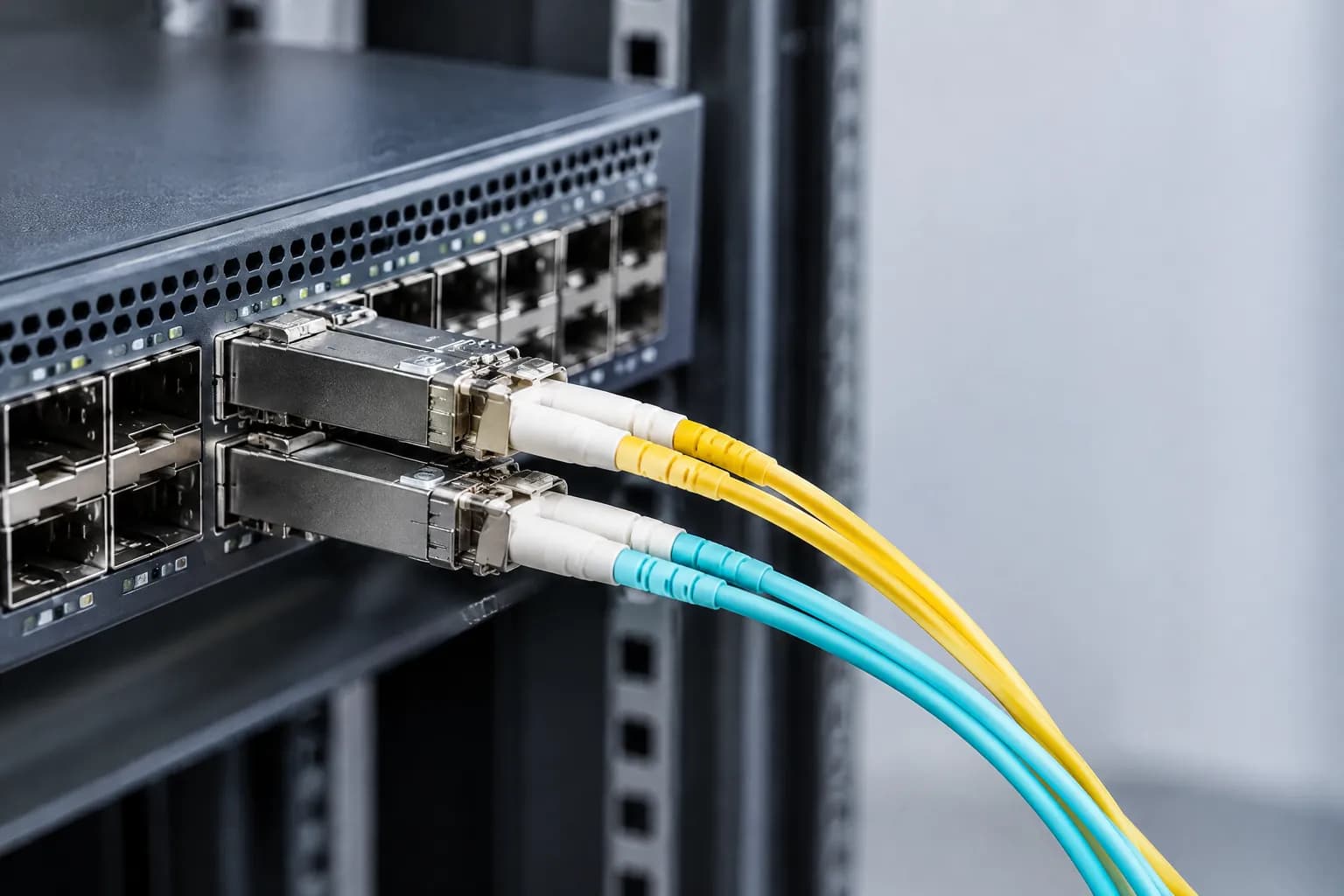
Multimode fibre (OM3, OM4, OM5) uses cheaper short-reach optics and suits links inside a building or a data room, up to a few hundred metres at 10G and less at higher speeds. Single-mode fibre (OS2) supports far longer distances at every speed. The cost gap between multimode and single-mode optics has narrowed considerably, and single-mode cable is itself inexpensive, so for links between buildings and any backbone you expect to keep for a long time, single-mode is usually the safer choice.
Where does copper still belong?
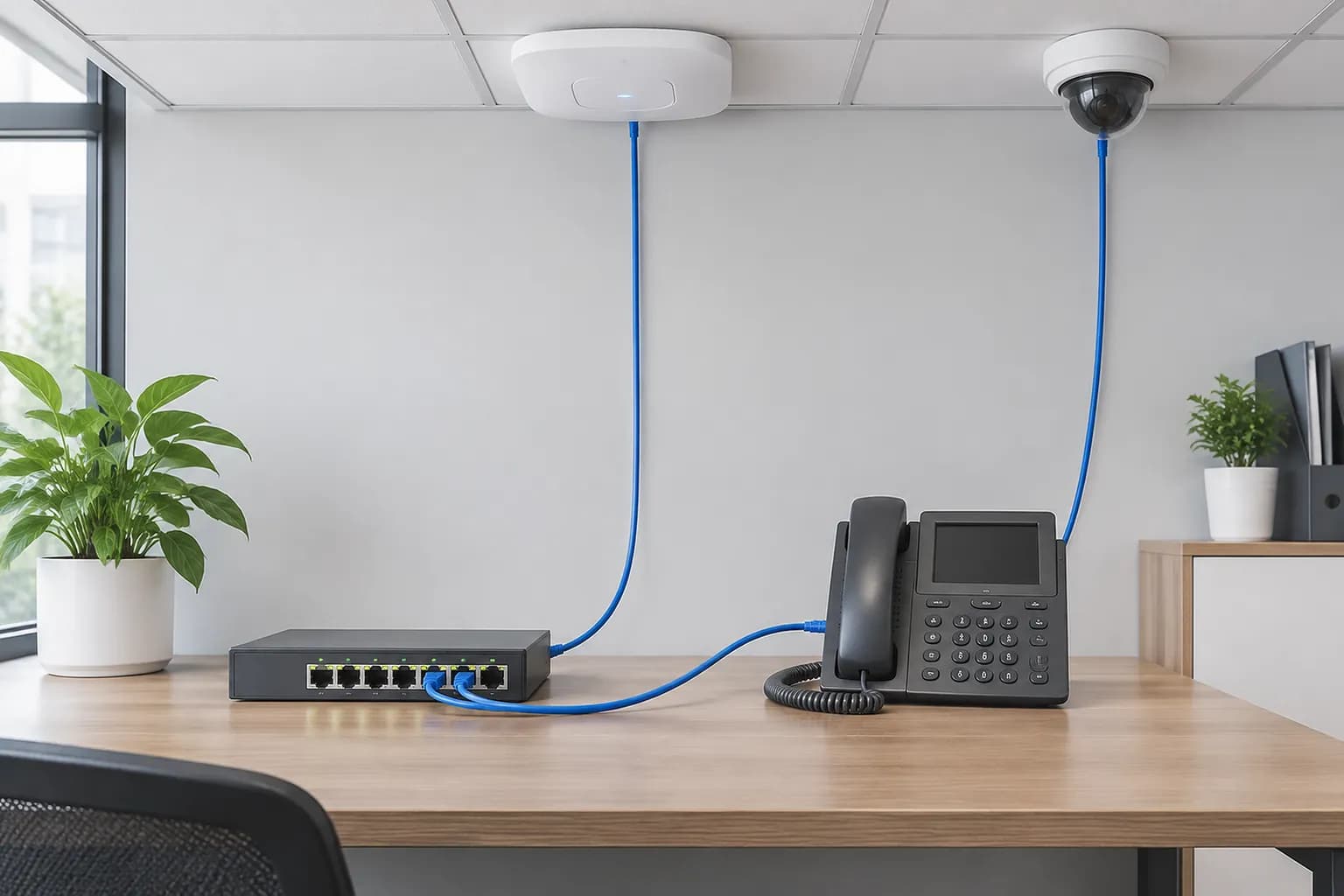
Fibre cannot carry power, and power is what most edge devices need. Access points, IP phones, cameras, door controllers and building sensors all expect Power over Ethernet, so the horizontal cabling from each floor switch to each device stays copper. Cat6A is the better choice for access point drops and high-power PoE because it supports 10G over 100 m and copes with the heat of large PoE bundles; Cat6 is fine for gigabit desks and phones.
What about wireless bridges or fibre to the desk?
Where trenching fibre between buildings is impractical, for example across a public road or a river, a point-to-point wireless bridge can carry the backbone instead, and it also isolates the buildings electrically. Treat it as a stopgap or a backup rather than the first choice for a main backbone, because weather, interference and line-of-sight changes affect radio links in ways fibre never sees. At the other extreme, fibre to the desk suits secure or electrically noisy environments, but it gives up PoE and needs optics or media converters at every outlet, so it remains a niche choice.
How much capacity should you plan for?
Cable outlives the electronics on either end of it, often by two or three generations of switches. Install more fibre strands than today's design needs, because spare strands cost little during installation and a great deal afterwards. Twelve or twenty-four strands between buildings and to each riser are common choices, leaving room for redundant links, CCTV, building systems and future speed upgrades without new civil works.
Cable quality: CCA, jackets and outdoor ratings
- Avoid copper-clad aluminium (CCA) cable. It is not standards-compliant, runs hotter under PoE and fails more often at terminations.
- Use LSZH (low smoke, zero halogen) jackets inside buildings, particularly in escape routes and occupied spaces.
- Use outdoor-rated fibre in ducts and on aerial runs, with gel-filled or dry water-blocking construction.
- Choose armoured or rodent-resistant cable wherever rodents or physical damage are likely.
- Certify installed copper and test fibre links with proper test equipment, and keep the results.
A typical layout
- Single-mode fibre between buildings, terminated in fibre panels in each main comms room.
- Multimode or single-mode risers from the main comms room to each floor's distribution point.
- Cat6A from floor switches to access points and high-power PoE devices.
- Cat6 or Cat6A to desks, phones and cameras within the 90 m limit.
- Short DAC cables or fibre patch leads between switches in the same rack.
Related reading
Related reading
Leave a Comment
Your email address will not be published.