

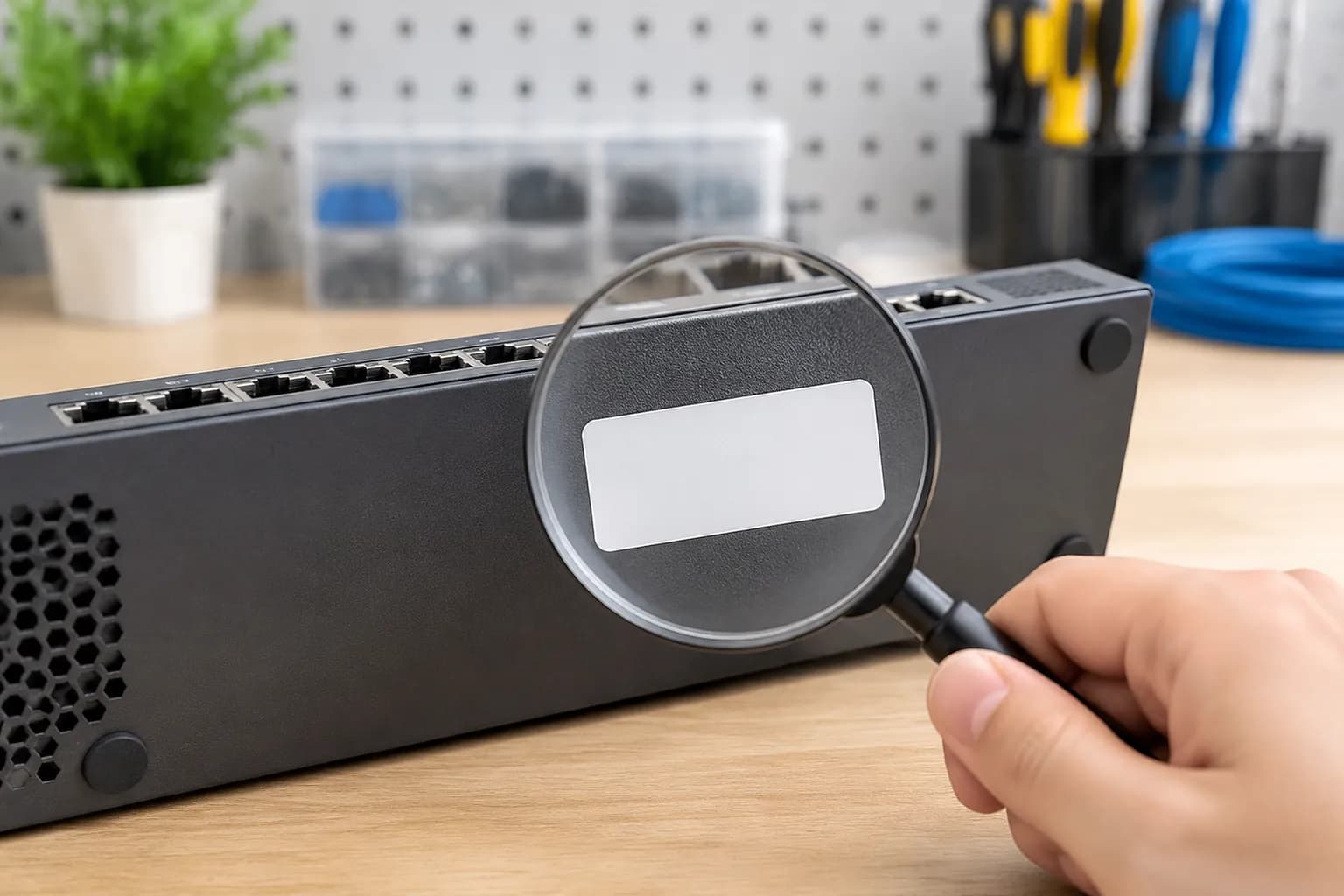
Before you buy any switch, router, firewall or access point, confirm that the serial number on the label matches the one the device reports, find where the model sits in the vendor's end-of-life timeline, and check that its security updates will last as long as you plan to run it.
What do EoL, EoS and LDoS mean?
Vendors retire products in stages and publish the dates in end-of-life bulletins. Terminology varies between vendors, but the milestones follow a common pattern:
| Milestone | What it means for a buyer |
|---|---|
| End-of-life announcement | The vendor publishes the retirement schedule. The product is still sold for now. |
| End-of-sale (EoS) | The last date to order the product new from the vendor. Units keep working and support continues. |
| End of software maintenance | No more bug-fix releases. Existing software keeps running. |
| End of vulnerability or security support | No more security fixes. Newly found vulnerabilities stay unpatched. |
| End of new service attachment and contract renewal | New or renewed support contracts are no longer offered for the product. |
| Last date of support (LDoS) | All vendor support ends: no technical assistance, replacements or software. |
One trap: the abbreviation EoS stands for end-of-sale at some vendors and end-of-support at others. Always read the full milestone name in the vendor's bulletin.
Which lifecycle dates matter most?
For most buyers the critical date is the end of vulnerability or security support. After it, any newly discovered flaw in the software stays open. That may be acceptable for a lab switch or a spare, but not for a firewall or an Internet-facing router. A simple rule: the remaining security-support period should cover the time you expect to run the device in production. If it does not, budget for an earlier replacement or choose a newer model.
Being past end-of-sale is not a reason to avoid a product. Many refurbished switches are past end-of-sale with years of support still ahead of them. What matters is the distance to the later milestones.
How do you check a serial number?
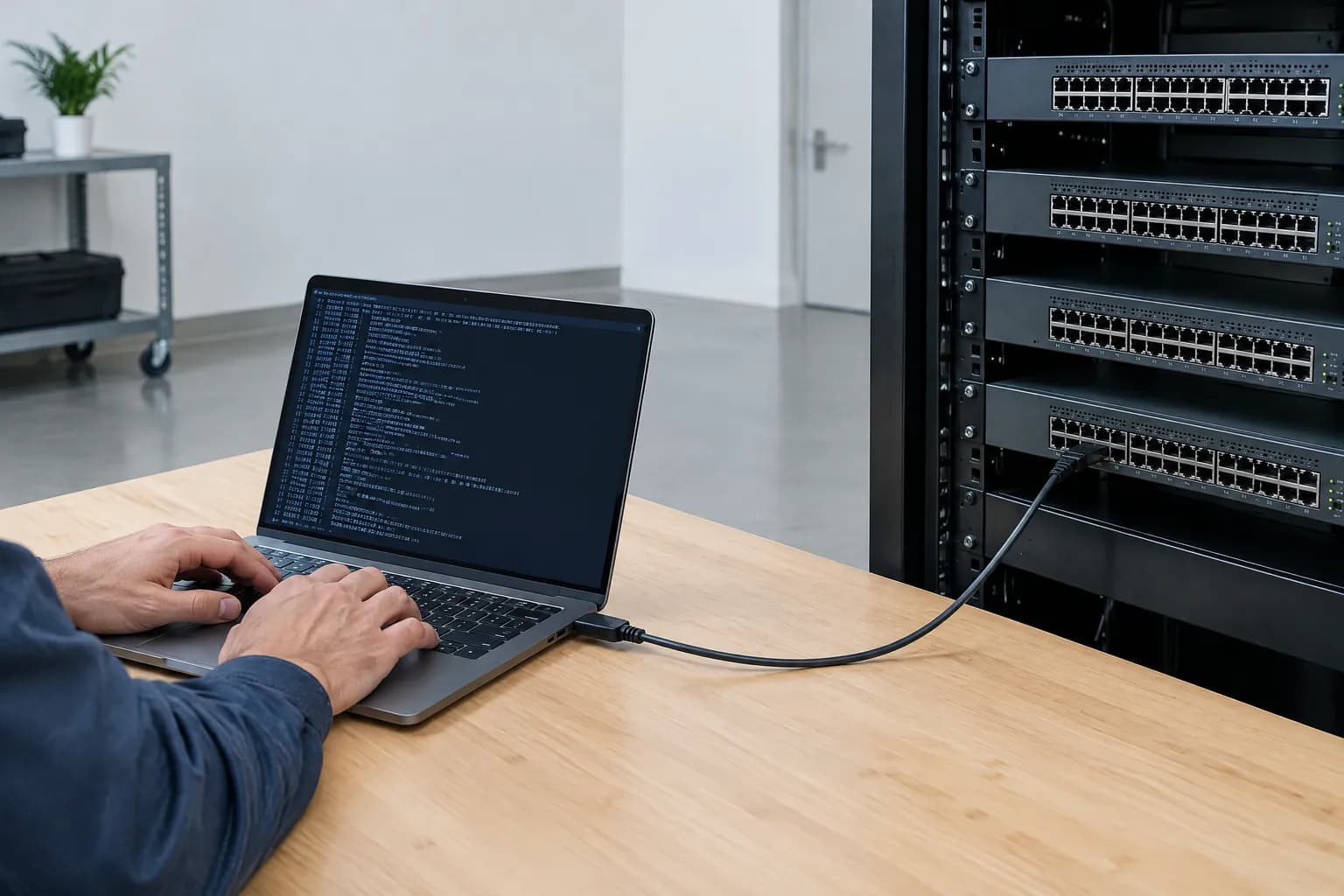
Ask the supplier for a photograph of the label and for output from the device itself, then compare the two. Useful commands include:
- Cisco IOS and IOS XE: show version and show inventory, which list the product ID, version ID and serial.
- Juniper Junos: show chassis hardware.
- Fortinet FortiOS: get system status.
- HPE Aruba AOS-CX: show system.
- MikroTik RouterOS: the routerboard information page, which shows model and serial.
- Cloud-managed devices: the serial shown in the dashboard, plus written confirmation that the device has been released.
The serial, model and hardware revision on the label should match what the device reports. Vendors also offer tools to check coverage or registration by serial number, some of which need an account. A serial the vendor flags as reported stolen, or as covered by another owner's active contract, deserves questions before you pay.
Why do hardware revisions and version IDs matter?
A product ID can cover several hardware revisions built over the model's life. Later revisions sometimes fix faults, change components or need newer minimum software, and some vendors print the revision as a version ID on the label and in the inventory output. When you buy in quantity, ask whether the units share one revision, especially if they will be stacked or clustered, where mixed revisions can cause compatibility problems. Note the revision in your asset register so replacements can be matched later.
Planning spares around the lifecycle
Once a model passes end-of-sale, new spares become harder to find and vendor replacements eventually stop. If your network will keep running a model for years, buy a small pool of spare units, power supplies and fans while they are still plentiful on the refurbished market. For a site far from the nearest replacement, one spare switch on the shelf can be the difference between a short outage and a long one.
Signs of counterfeit or tampered hardware
- The label serial differs from the serial the software reports.
- Labels look reprinted, misaligned or set in the wrong font.
- Prices for current models in quantity are unusually low.
- Modules or power supplies carry part numbers the platform does not list.
- Tamper seals are missing or broken where the vendor uses them.
- The software reports an unexpected hardware revision or unrecognised components.
Counterfeit network equipment is uncommon in reputable supply chains but not unknown, and the consequences range from poor reliability to security exposure. Buying through suppliers who provide serial lists and test reports, and checking both before payment, reduces the risk considerably.
What about software updates?
Even a model inside its support window needs a route to new software. Most enterprise vendors only allow downloads of major software releases to customers with a valid support entitlement, though some publish security fixes more widely. A refurbished device without a support contract may therefore stay on its installed version. Find out which version is installed and check the vendor's security advisories for known vulnerabilities affecting it.
What we record for every quote
- Model and product ID for every line.
- The vendor's published lifecycle milestones for each model, where a bulletin exists.
- A serial-number list before dispatch, so you can run your own checks.
- Installed software version and licence state where the supplier reports them.
- The supplier's test and reset report for refurbished units.
Related reading
Related reading
Leave a Comment
Your email address will not be published.