

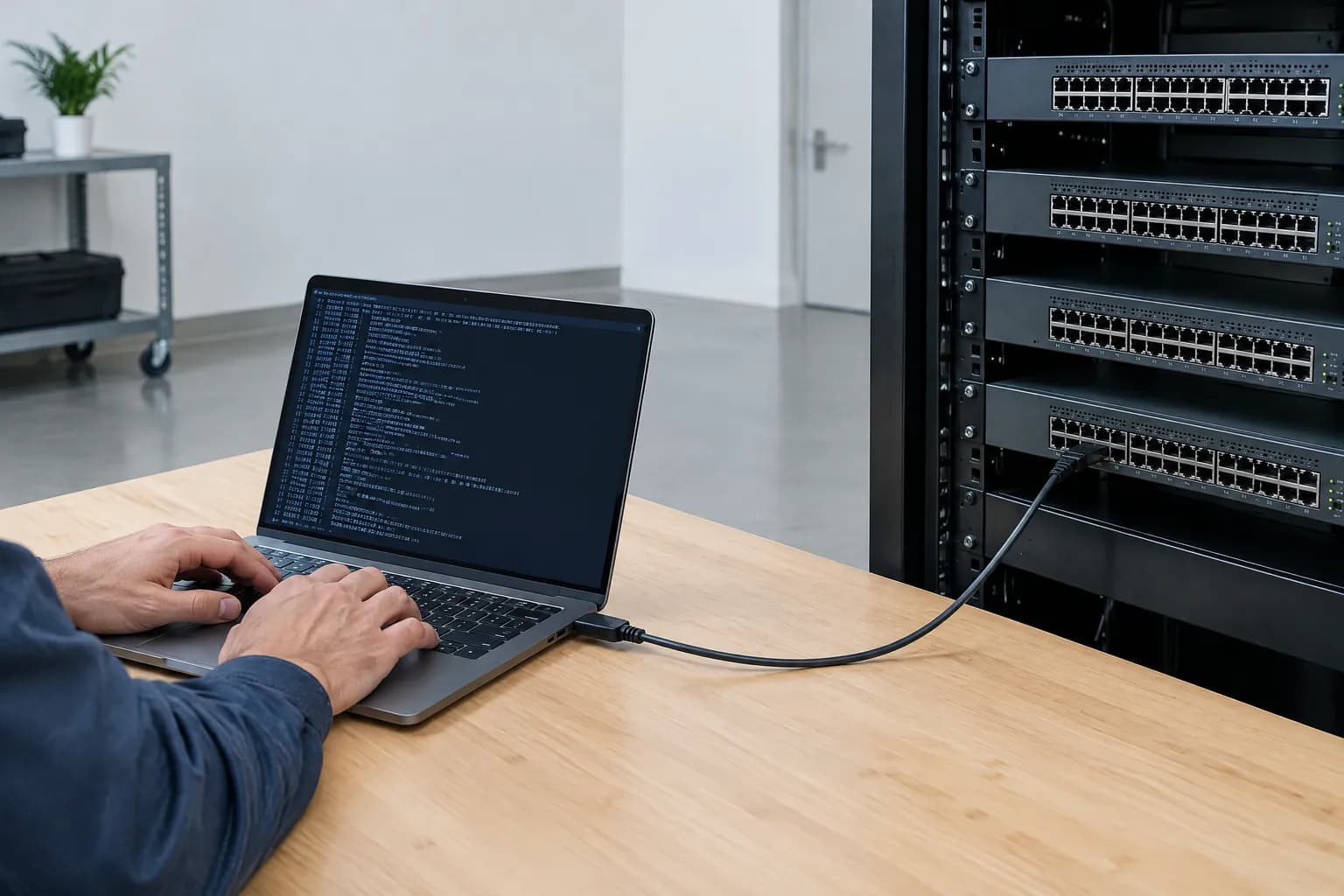
On a refurbished switch, a perpetual feature licence stored on the device usually keeps working for the next owner, but term subscriptions, cloud-management licences and support contracts generally belong to the first buyer's account and do not transfer unless the vendor agrees. Check which kind each unit carries before you compare prices.
Why does licensing matter as much as hardware condition?
Two refurbished switches with the same model number, the same cosmetic grade and the same price can be very different purchases. One boots with its full Layer 3 feature set enabled and runs for years. The other falls back to a basic mode, refuses to join a cloud dashboard or stops forwarding traffic when a subscription lapses. The hardware is identical; the licence state is not. On modern enterprise platforms the licence decides what the switch can do, and on cloud-managed platforms it decides whether the switch works at all.
Vendors have moved steadily from licences that live on the device towards subscriptions that live in an online account. That shift helps vendors and first owners manage software, but it complicates the secondary market, because an account is not something that ships in a carton.
What kinds of licence can a switch carry?
- Base or perpetual licence: the feature level the switch was sold with, often stored on the device or implied by the model. It normally survives a factory reset.
- Feature or right-to-use licences: upgrades such as Layer 3 routing or advanced security, activated on the device. On older platforms these are often perpetual.
- Term subscriptions: feature tiers or software bundles bought for a fixed number of years and tied to the buyer's vendor account, such as the subscription tiers sold with Catalyst 9000 switches.
- Cloud-management licences: needed for the switch to be managed, and sometimes to function, on platforms such as Meraki, Aruba Central or Juniper Mist.
- Support contracts: entitlement to vendor technical support, hardware replacement and software downloads, registered to the serial number and the contract holder.
How do the main platforms compare?
| Platform | Usually stays with the device | Usually stays with the first owner | What to check |
|---|---|---|---|
| Older Cisco Catalyst (2960-X, 3650, 3850) | Perpetual feature level such as LAN Base, IP Base or IP Services | Support contract and software download entitlement | show license and show version output |
| Cisco Catalyst 9000 | Perpetual Network Essentials or Network Advantage level | Term subscription tier and Smart Account registration | show license summary and Smart Licensing status |
| Cisco Meraki MS | Nothing usable on its own | Dashboard licence and organisation claim | Release from the previous organisation; new licence term |
| HPE Aruba CX | Base switching and routing features on most models | Aruba Central subscriptions and support | Management mode (local or Central) and contract status |
| Juniper EX | Base features, plus any feature licences installed on the device | Subscription licences and support | show system license output |
| MikroTik CRS and CCR | RouterOS licence level installed on the device | Rarely applicable | Licence level in the device's system information |
How can you check the licence state before you pay?
Ask the supplier for evidence taken from the unit itself, not a description of it. On command-line platforms the output of a few commands answers most questions:
- Cisco IOS and IOS XE: show version (model, serial, software and licence level) and show license summary or show license usage.
- Juniper Junos: show system license, together with show chassis hardware for the serial.
- MikroTik RouterOS: the system licence and routerboard information pages, which show the licence level and serial.
- Cloud-managed platforms: written confirmation that the device has been released from the previous owner's organisation, because the device itself cannot show this.
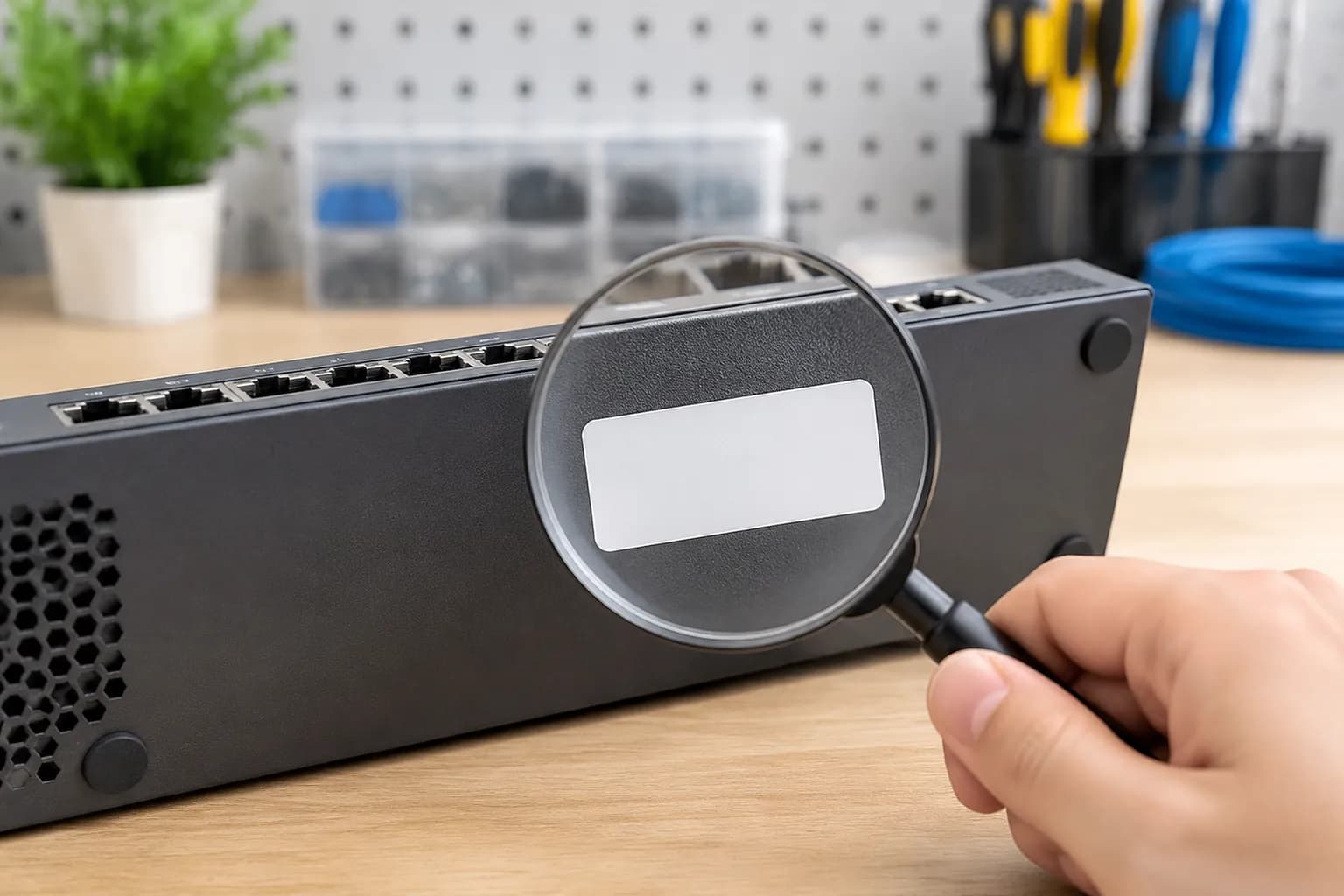
Compare the serial number in the output with the label on the chassis. A licence that looks right on paper is worthless if it belongs to a different unit.
What do vendor transfer policies say?
Most enterprise vendors' end-user licence terms grant the software licence to the original purchaser and do not allow transfer without the vendor's consent. Several vendors publish a transfer or relicensing process for equipment that changes hands, which can involve an inspection of the hardware, a fee and the purchase of a new licence or support contract. Others decline to transfer subscriptions at all. Policies change and differ by product line, so read the current policy for the vendor you are buying, or ask your vendor account team if you have one.
None of this makes refurbished switches a bad buy. It means the price comparison should include any licence or subscription you will have to add, and the decision should rest on the features you actually need. A school lab running VLANs and basic routing may be well served by the perpetual feature level an older switch already carries.
What goes into our quotes
- The licence level the supplier reports for each unit, and the evidence behind it.
- Whether a subscription or cloud licence is needed to use the features you asked for.
- Claim or registration status for cloud-managed units.
- Any licence a supplier can provide as a separate line, or a note that it must be bought through the vendor's channel.
We never list a subscription or support contract as included unless the supplier has confirmed it in writing, and transferability is always subject to the vendor's own policy.
A practical approach for buyers
- Decide which features you need before choosing a model; licence tiers often matter more than port speeds.
- Prefer platforms with perpetual on-device licences for sites that will run without vendor support.
- For cloud-managed switches, budget for a new licence term and confirm the release before you pay.
- If you plan to buy a vendor support contract, ask the vendor first whether refurbished units are eligible.
- Keep the licence evidence with the serial list in your asset register.
Related reading
- Refurbished Cisco switches- How we source and check Catalyst, Nexus and Meraki units
- Checking serial numbers, EoL and EoS dates- Lifecycle checks before you buy
- PoE access switches- Specifications and licence notes by family
- Cisco sourcing at FC Trading- Brand-level overview across categories
- New vs refurbished IT equipment for projects- Guide on fctrading.co
Related reading
Leave a Comment
Your email address will not be published.