

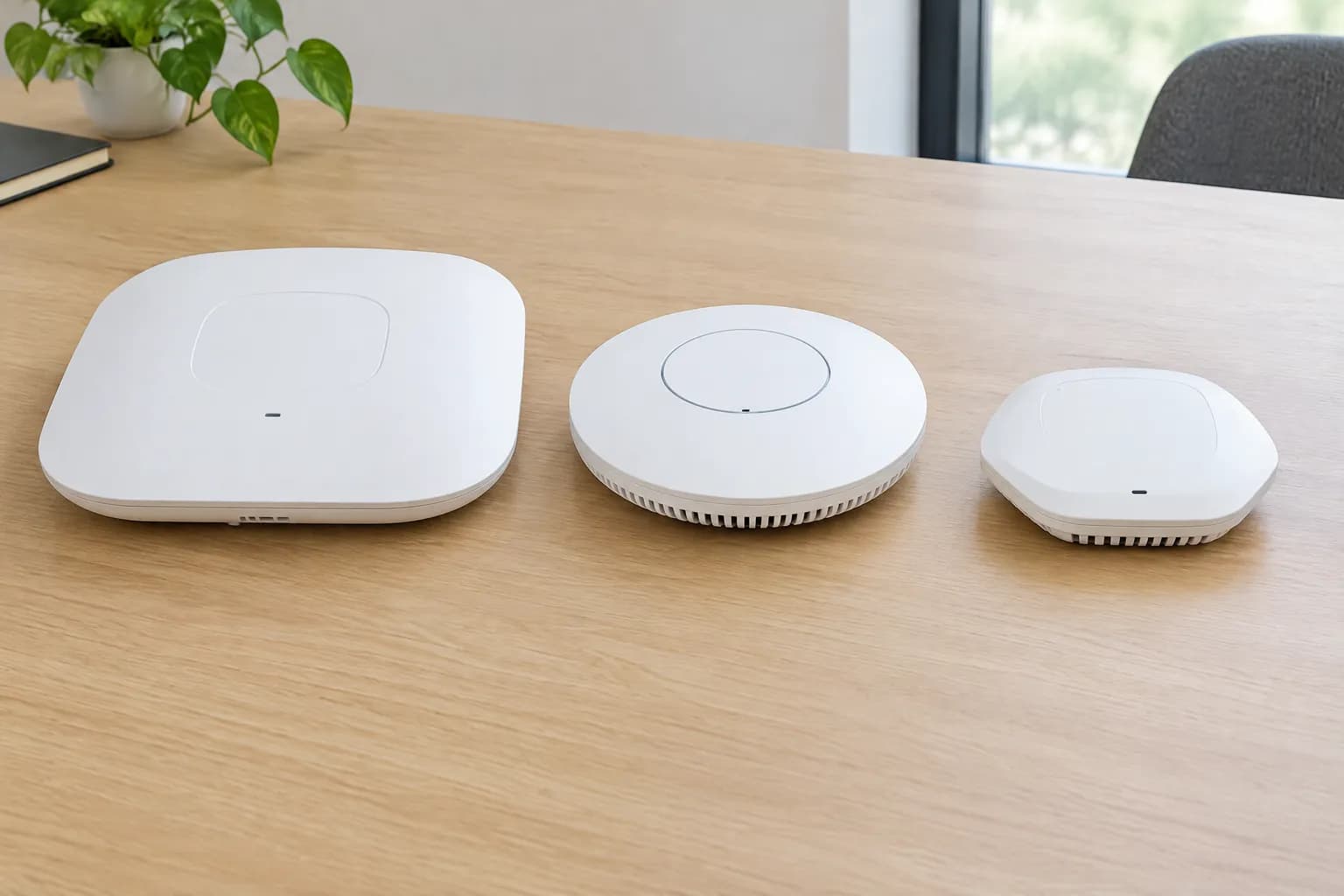
For most African deployments in 2026, Wi-Fi 6 on 2.4 and 5 GHz is still the best value; Wi-Fi 7 is worth the premium for high-density sites in countries that have opened the 6 GHz band and where many users carry 6 GHz-capable devices; Wi-Fi 6E is a narrow middle option that Wi-Fi 7 has largely overtaken.
How do the three generations differ?
| Wi-Fi 6 | Wi-Fi 6E | Wi-Fi 7 | |
|---|---|---|---|
| IEEE standard | 802.11ax | 802.11ax | 802.11be |
| Bands | 2.4 and 5 GHz | 2.4, 5 and 6 GHz | 2.4, 5 and 6 GHz |
| Widest channel | 160 MHz | 160 MHz | 320 MHz (6 GHz only) |
| Highest modulation | 1024-QAM | 1024-QAM | 4096-QAM |
| Notable features | OFDMA, MU-MIMO, target wake time, BSS colouring | Wi-Fi 6 features plus clean 6 GHz spectrum | Multi-link operation, preamble puncturing, wider channels |
| Typical AP power | 802.3at PoE+ | PoE+, or 802.3bt on tri-radio models | Often 802.3bt for full function |
| Typical AP uplink | 1G or 2.5G | 2.5G or 5G | 2.5G, 5G or 10G |
Headline speeds for each generation are theoretical maximums that no real deployment reaches. What matters in practice is how many clients each access point serves well, how much clean spectrum is available and how the network behaves when a room fills up.
Is the 6 GHz band open in your country?
Wi-Fi 6E, and much of Wi-Fi 7's advantage, depend on 6 GHz. Regulators decide whether the band can be used for licence-exempt Wi-Fi and, if so, which part of it. Some countries have opened the full band up to 7125 MHz, while others, including much of Europe, have opened only the lower portion of roughly 5925 to 6425 MHz. In Africa, South Africa's regulator ICASA opened the lower 6 GHz band for Wi-Fi in 2023; other regulators have consulted on the band or are still deciding.
Check the current position with your national regulator before ordering 6 GHz-capable access points, and make sure the variant you buy is set up for your country. Where 6 GHz is not permitted, a tri-radio access point's 6 GHz radio has to stay off.
Do your users' devices support 6 GHz?
A 6 GHz radio only helps clients that can use it. Recent flagship phones and premium laptops support the band, but many budget and mid-range handsets, older laptops and most IoT devices do not. In offices with company-issued laptops you can check the fleet. In hotels, campuses and public venues, where people bring their own devices, assume a large share of clients will stay on 2.4 and 5 GHz for some years. Wi-Fi 7 access points still serve those clients well, so the money is not wasted, but you pay for capability that only part of your audience uses.
What does the wired side cost?
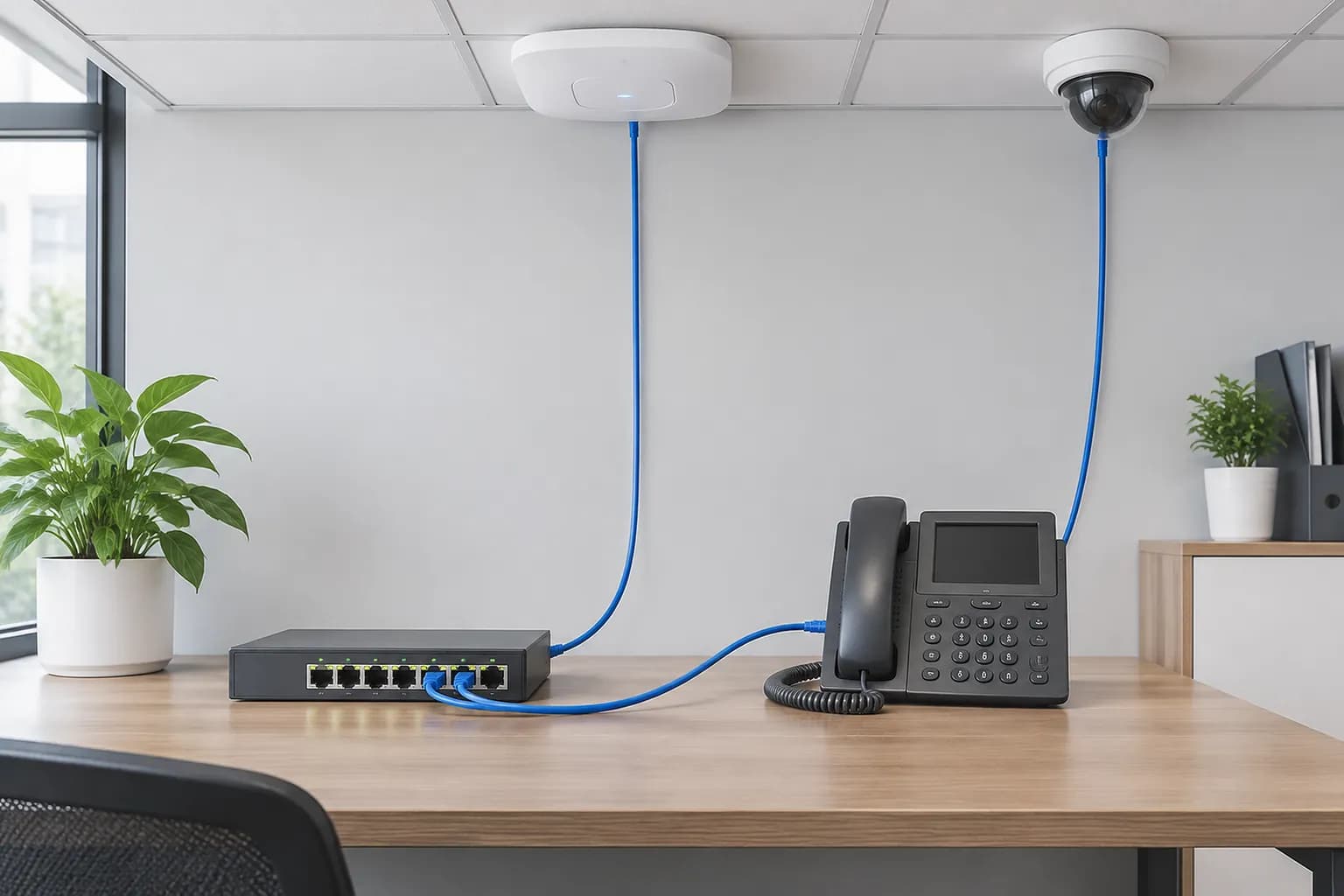
Upgrading radios often means upgrading switches. Wi-Fi 7 access points commonly need 802.3bt power for full operation and multigigabit uplinks to avoid a bottleneck. If your access switches are gigabit PoE+ models, moving to Wi-Fi 7 may mean new switches, Cat6A drops for the access points and a recalculated PoE budget. Wi-Fi 6 access points generally run well on existing PoE+ gigabit switching.
Does channel planning still matter on 2.4 and 5 GHz?
More than the generation number, in most buildings. A well-designed Wi-Fi 6 network with sensible channel widths, correct transmit power and access points placed for the walls you actually have will outperform a poorly planned Wi-Fi 7 network. On 5 GHz, wide 80 or 160 MHz channels look fast in a datasheet but leave few non-overlapping channels in dense layouts, so 20 or 40 MHz is often the better choice where access points are close together. On 2.4 GHz, stick to non-overlapping channels and consider switching the 2.4 GHz radio off on some access points to reduce interference.
New or refurbished access points?
Refurbished Wi-Fi 6 access points are widely available as enterprises upgrade, and for controller-based or controller-less platforms they can stretch a budget a long way. For cloud-managed models, add the cost of a new licence term and make sure the previous owner has released each unit. Whichever you choose, check the regulatory variant on every unit, because refurbished stock often comes from markets with different rules.
Which generation suits which site?
- Small and mid-size offices: Wi-Fi 6, unless the laptop fleet is new and 6 GHz is open.
- University lecture halls and conference centres: Wi-Fi 7 where 6 GHz is open, because density benefits most; otherwise high-density Wi-Fi 6 with careful channel planning.
- Hotels: Wi-Fi 6 wall-plate or corridor access points for rooms; consider Wi-Fi 7 for conference and event spaces.
- Warehouses and industrial sites: Wi-Fi 6, chosen for coverage and client compatibility rather than peak speed.
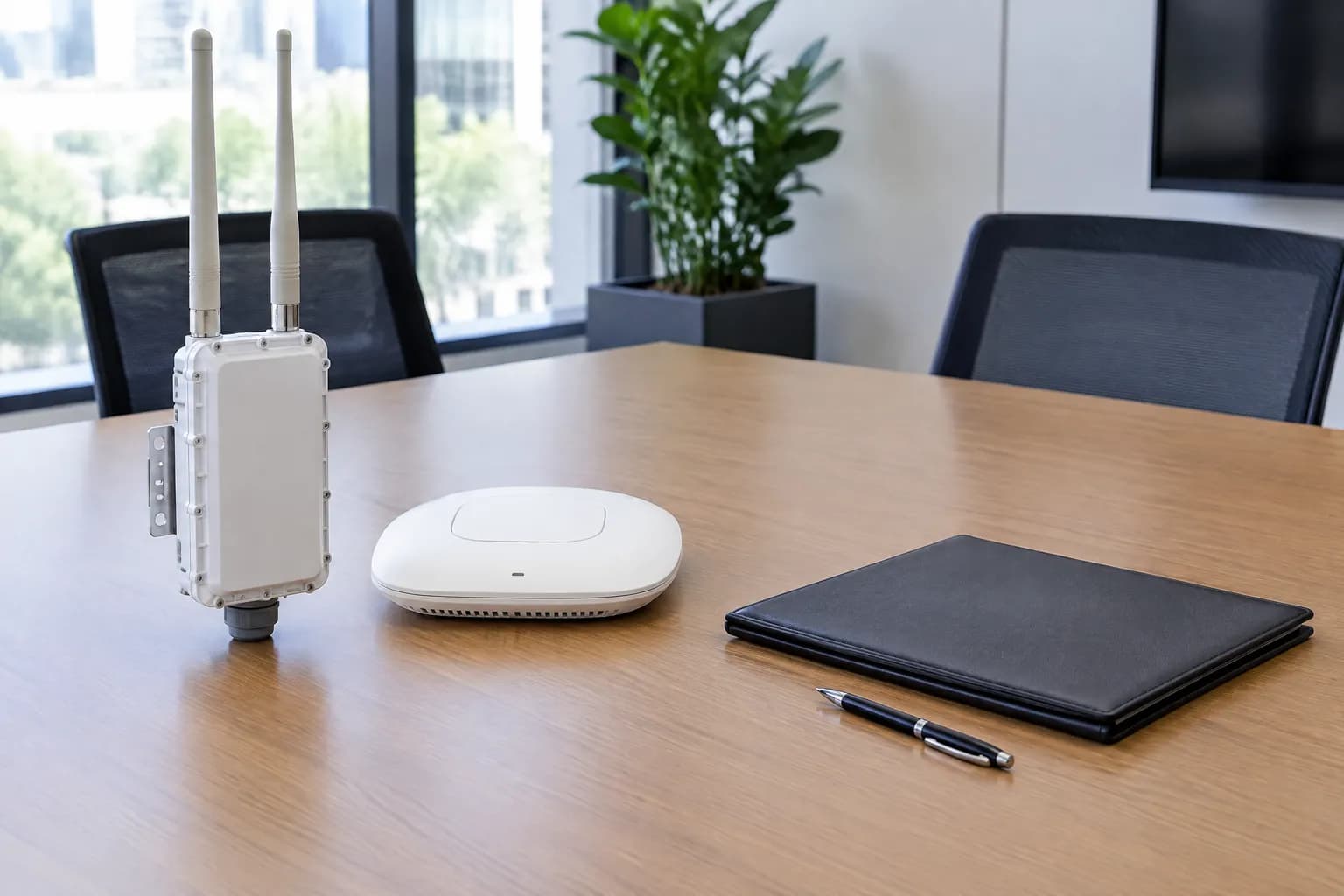
- Outdoor areas: Wi-Fi 6 outdoor access points, since outdoor 6 GHz use is restricted or not permitted in many countries.
Regulatory domain and type approval
Whatever the generation, access points are radio equipment. Buy the regulatory-domain variant suited to your country and confirm the model's type approval status where the regulator requires it. That matters even more for 6 GHz-capable models, because permitted settings for the band differ between countries. Our guide to type approval for wireless equipment in Africa covers the process.
Our view for 2026
Wi-Fi 6 remains the practical default for most deployments, with good pricing on new and refurbished access points and modest demands on switching. Choose Wi-Fi 7 where density is high, 6 GHz is permitted, the switches can power and feed it, and the access points will stay in service long enough for client support to catch up. Wi-Fi 6E makes sense mainly when a specific model fits the budget and the 6 GHz band is open; otherwise Wi-Fi 7 is the better long-term buy.
Related reading
- Wi-Fi access points and controllers- Models, power classes and management options
- Wholesale wireless access points- Ordering access points for a rollout
- How to calculate a PoE budget- Powering tri-radio access points
- Education buyers at FC Trading- Campus and school technology sourcing
- Laptops for staff and students- Laptop fleets at Wholesale Laptops Dubai
Related reading
Leave a Comment
Your email address will not be published.